Best Tools
The Figma Plugins and Resources Worth Installing in 2026
Most Figma plugin lists are forty plugins nobody uses. This is the shorter list of things that survive a month on your machine.
· 7 min read
Last updated: August 2026
A mockup is doing one of two jobs: making a screenshot look like a product on a launch page, or making a design look finished in a client presentation. Different jobs, different tools, and using the wrong one is why so many portfolio shots look like 2016.
Eleven tools below, split by what you're actually making.
The best new design tools, once a week.
One short email. No noise, unsubscribe anytime.
Key takeaways

Premium mockup platform that provides thousands of high-quality vector
Angle is a huge library of device mockups you can drop a screenshot into, in vector, so they stay sharp at any size and recolour cleanly. It's the workhorse for App Store screenshots, landing page hero sections and press kits.
The reason it beats the photorealistic packs for product work: a clean vector device frame keeps attention on your interface. A photo of a hand holding a phone in golden-hour light moves attention to the hand.

Rotato does 3D device mockups with animation, and it is the single most useful tool on this list if you're making launch assets. Rotating device shots, animated screen recordings inside a 3D frame, exported with transparency. One good Rotato video will outperform six static screenshots on a launch page.
Online mockup generator that helps designers and developers create
Previewed is the best free option — browser-based, decent device and branding mockups, no install. Start here if you're not sure you need a paid tool.
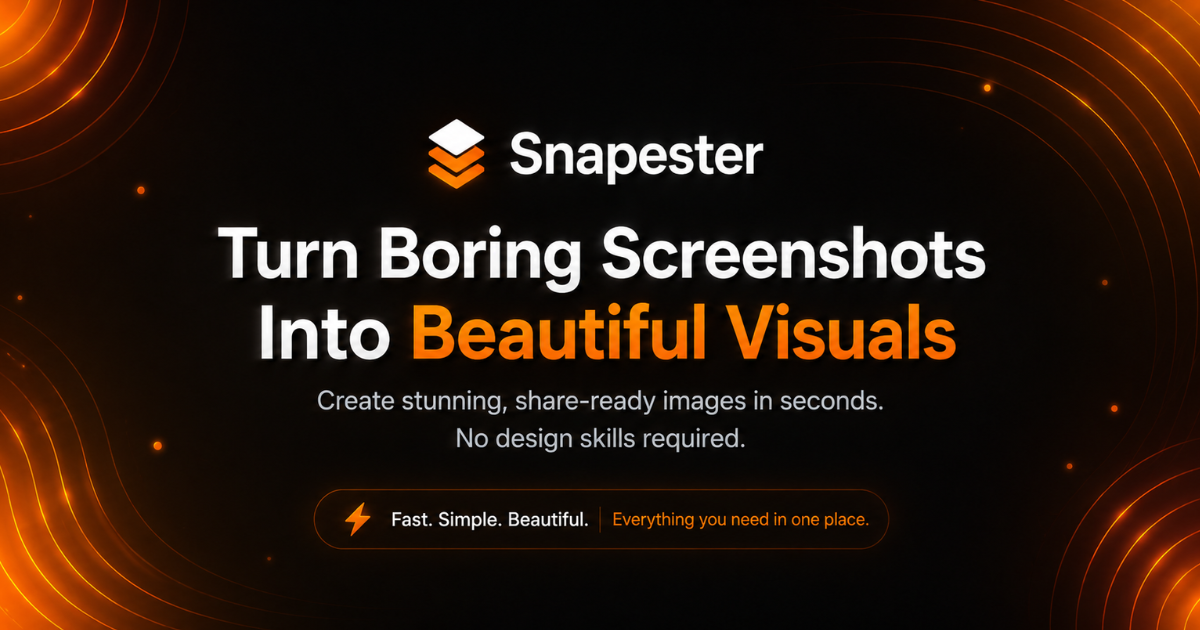
Create stunning screenshot visuals in seconds: capture with the Chrome
Snapester turns raw screenshots into presentable visuals quickly: padding, background, device frame, shadow. It solves the specific problem of a screenshot looking naked on a marketing page.

Javii Tools is a set of pixel-accurate generators covering similar ground — useful for the small utility jobs you'd otherwise do manually in Figma.
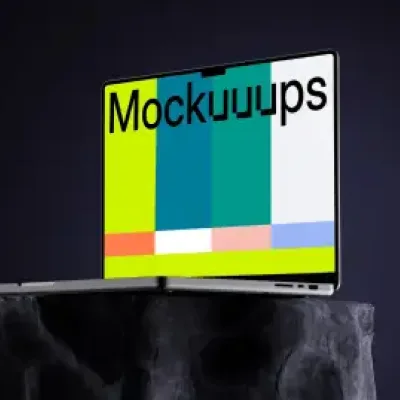
Mockup generator platform that helps designers create realistic device
Mockuuups Studio has an enormous scene library — devices in context, print, apparel, packaging — with drag-and-drop replacement and a Figma plugin. This is the one to use when you're presenting to a client who needs to see the thing in the world rather than on a grid.

Artboard Studio is closer to a full browser-based mockup editor, with real scene composition, lighting and materials. More control, steeper learning curve. Worth it for branding and packaging work where you're building a scene rather than dropping into a template.

The easiest 3D mockup and motion template creator
River Visual covers 3D mockups and motion templates, and is genuinely fast for what it does.
Free curated directory of high-quality PSD mockups
Mockup World aggregates free mockup PSDs from across the web. Quality is uneven — it's an aggregator, not a curator — but the volume means you'll usually find something workable for an unusual format.
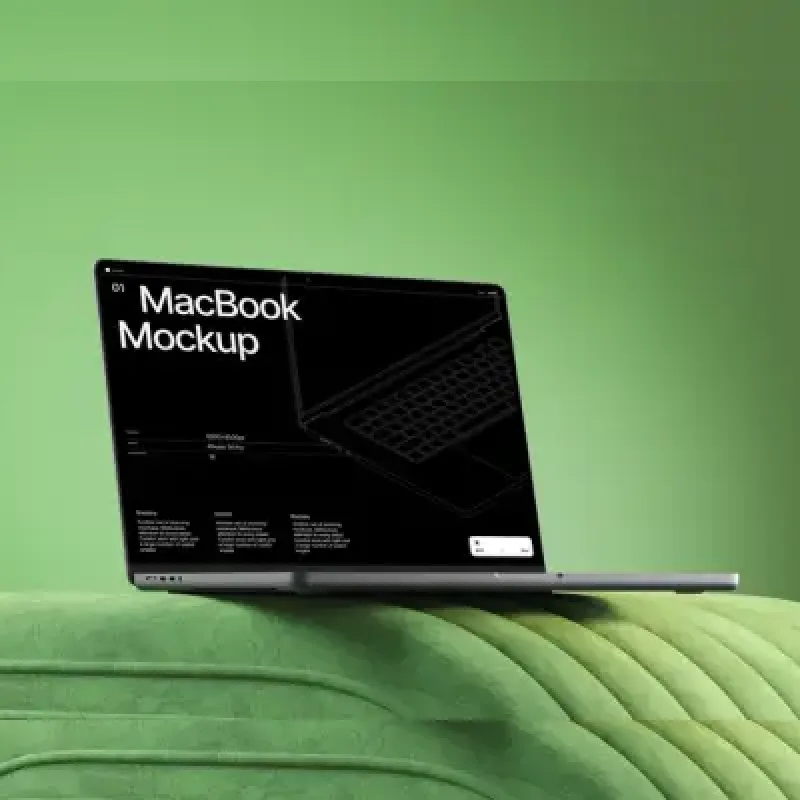
LS Graphics produces consistently high-quality mockups with a reliable free section. The curation is much tighter than the aggregators.

PixelBuddha covers mockups alongside broader design assets, with a decent free tier.
Tip
The most common mistake is using a mockup to hide an unfinished design. A device frame does not fix weak hierarchy — it just makes it smaller.
Match the frame to the audience. Vector device frames for product and developer audiences. Photorealistic scenes for consumer brand work and client presentations. Mixing them in one deck looks careless.
Keep the screenshot legible. If your UI is unreadable at the size the mockup will actually be viewed, crop to a detail instead of showing the full screen at 40% scale.
Use the real screen. Fake data in a mockup is instantly obvious and undermines the whole asset. Populate the app first, screenshot second.
One motion asset beats five static ones. If you're building a launch page, spend the time on a single Rotato animation rather than six angles of the same static shot.
We catalogue 60 mockup tools in total, plus device frames and screenshot utilities across the wider design tools category.
Previewed is the strongest free browser-based option. For free downloadable packs, LS Graphics has the best curation and Mockup World has the largest volume.
The best new design tools, once a week.
One short email. No noise, unsubscribe anytime.
Get it in front of thousands of designers browsing Dezignhunt every week.
Submit your toolBest Tools
Most Figma plugin lists are forty plugins nobody uses. This is the shorter list of things that survive a month on your machine.
· 7 min read
Best Tools
Your portfolio has to outlive the platform it is built on. That single constraint eliminates half the options.
· 7 min read
Best Tools
Working alone means being your own critic, researcher, developer and project manager. These eighteen cover the gaps.
· 7 min read